
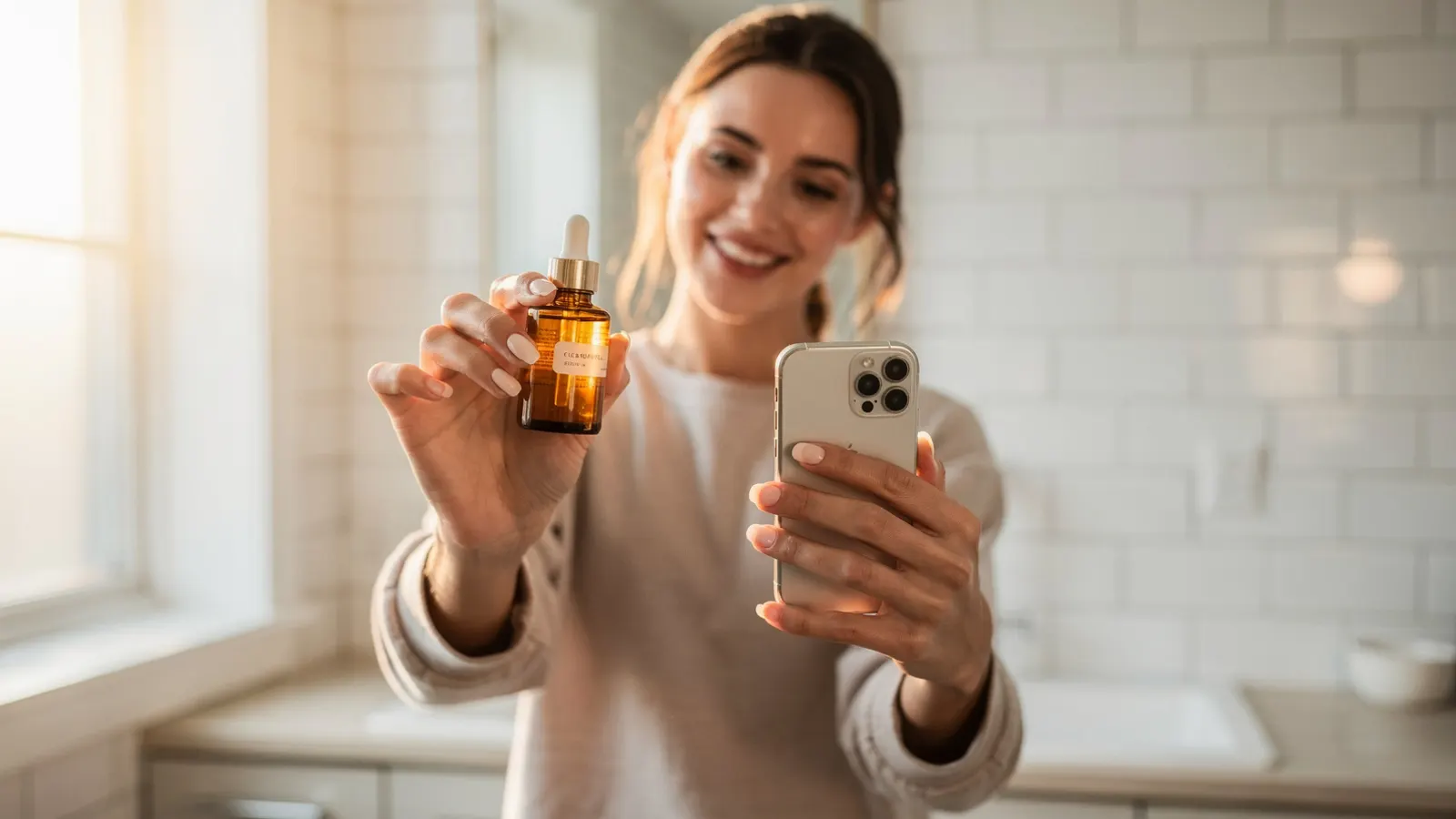
On this page
UGC ads work because they don't look like ads. A person holds the product, talks to the camera like they would to a friend, and the viewer believes them a little more than they'd believe a polished brand film. The problem has always been production. You find creators, ship them product, write a brief, wait a week or two, and then half the videos come back unusable.
AI changes the production part. It doesn't change what makes a UGC ad good. This guide covers both: the steps in the tool, and the decisions that decide whether the ad actually sells.
Step 1: Pick a photo the model can trust
Everything the video model knows about your product comes from the image you give it. If the photo is dark, cropped or cluttered, the model has to guess, and guesses show up as a logo that drifts, a label that changes, or packaging that's slightly the wrong shape.
What works best:
- One product, clearly in frame. A packshot on a plain background is ideal. A lifestyle photo is fine if the product takes up a decent part of the frame.
- Readable labels. If your bottle says "15% Vitamin C", the model should be able to read it. It will try to keep it.
- Even light. Soft daylight beats harsh flash. Strong reflections on glossy packaging confuse the model about the product's shape.
Phone photos are completely fine. You don't need a studio shot.
Step 2: Decide what kind of person is on camera
A UGC ad lives or dies on whether the viewer thinks "that could be me" or "I'd listen to them". Before you generate anything, answer two questions:
- Who actually buys this? Not "women 25 to 45". Something closer to "someone who has tried three vitamin C serums and been let down by all of them".
- Who would they trust to recommend it? Often that's a slightly older or slightly more experienced version of themselves.
In AdVideoLab you can save this as a persona (age range, gender, style and accent) so every video you make for that product uses a consistent creator instead of a new face each time.
Step 3: Write the brief, or let the AI draft it
The brief is where most of the quality comes from. A good UGC brief has five parts:
| Part | What it does | Example |
|---|---|---|
| Hook | Stops the scroll in the first two seconds | She holds two serums side by side and says "One of these turned brown in a week." |
| Problem | Makes the viewer feel seen | Dull skin that makeup doesn't fix |
| Proof | Shows the product working, not just described | Close-up of the dropper, then her cheek in daylight |
| Voice-over | Sounds like speech, not copy | Short sentences, contractions, one idea per line |
| Call to action | One clear next step | "Link's below if you want to try it." |
Click Write with AI and it reads your photo, your brand voice and the length you picked, then drafts a full brief in that structure. Treat it as a strong first draft. Read the voice-over out loud. If you stumble over a line, the creator will too.
A useful rule: about two and a half spoken words per second. A 10-second ad has room for roughly 25 words, not 60.
Step 4: Choose length, language and quality
- Length. Ten to fifteen seconds is the sweet spot for most UGC ads. Shorter works for retargeting, where the viewer already knows you.
- Language. Pick the language of the market you're selling in. The creator's lips follow the words, so a Spanish ad doesn't look dubbed.
- Resolution. 480p is enough to test an idea cheaply. Once a hook wins, re-render the winner at 720p or 1080p for scale.
Step 5: Make three versions, not one
The single biggest mistake with AI video is treating it like a shoot, where you get one take and live with it. The whole point is that a new version costs minutes, not a week.
Make three different hooks for the same product:
- Problem first. Open on the frustration.
- Social proof. A friend asks "what are you using?"
- Before and after. Show the result the buyer actually wants.
The 3 angles button does exactly this. Run all three as separate ads with the same budget and let the numbers tell you which story your buyers respond to.
Step 6: Rate what works
After a video goes live and you know how it performed, give it a star rating in your project history. Highly rated briefs become examples the AI learns from the next time it writes for your brand, so your fifth batch of ads starts from a better place than your first.
A quick checklist before you publish
- Does the product look exactly like the real one, label included?
- Would a real person say every line of the voice-over?
- Is the hook specific to this product, or could it sell anything?
- Did you check the platform's ad rules for your category? Health and beauty claims are often stricter.
If you want to try the writing part before you make any video, our free ad script generator writes three scripts from a product page in about fifteen seconds.
More in Guides
How to Write AI Video Prompts That Actually Sell
A video model does exactly what the brief says and guesses the rest. Here is how to write briefs that leave less to guessing, with a full before and after example.

Brand Voice for AI Ads: How to Make Every Video Sound Like You
AI writing tends toward the same safe, generic voice. Here is how to describe your brand so the briefs it writes sound like you and not like everyone else.
Choosing an Image-to-Video Model for Product Ads: What Actually Matters
Resolution, length, how faithfully the product is kept and how the model handles people. A practical way to compare image-to-video models for advertising.